
AT YOUR GUARDHOUSE
Equip your guardhouse for visitor registration.
A visitor management terminal gives your guardhouse operator a place to look up, register and verify visitors. What equipment belongs at your guardhouse depends on your current setup and your project's scope.
AT THE GUARDHOUSE
A workflow your operator
can follow every time.
The exact screens and steps depend on your terminal and software configuration, but the underlying sequence follows this shape.
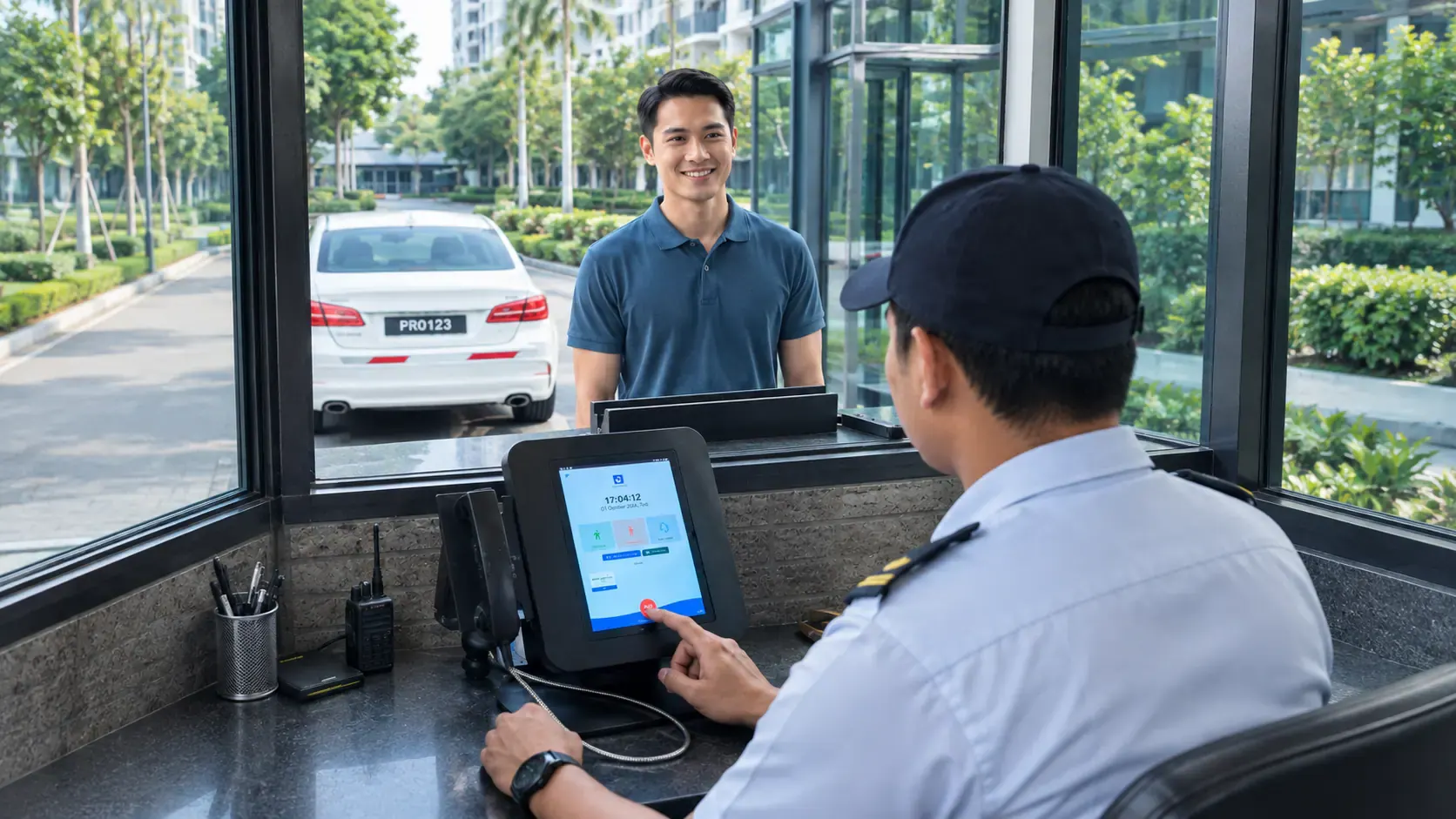
Your team has a place to start.
- 01START WITH THE RECORD
Look up or register the visitor.
The operator checks for an existing visitor record or registers a new visitor at the terminal.
- 02AT THE TERMINAL
Perform the supported verification step.
Whichever verification steps are supported at your terminal are carried out before the visitor is let through.
- 03FOLLOW YOUR SITE PROCESS
Direct the visitor onward.
Once registered and verified, the visitor is directed onward according to your site's own process.
WHAT'S ACTUALLY IN A PACKAGE
Included, optional
or separately scoped.
Package contents vary by project and are confirmed in your quote. We don't assume that every terminal includes a scanner, printer, intercom or barrier connection — some projects need one or more of these, others don't, and we set out exactly what applies to yours before you commit.
- 01CORE TO THE TERMINAL
The terminal and its software access.
The device your operator uses, connected to the visitor management software your team already relies on.
- 02MODEL & PERIPHERAL DETAILS
Confirmed once your needs are known.
Supported peripherals and specific models are confirmed once we understand your guardhouse and requirements.
Nothing beyond the terminal itself is assumed until it's written into your quote.
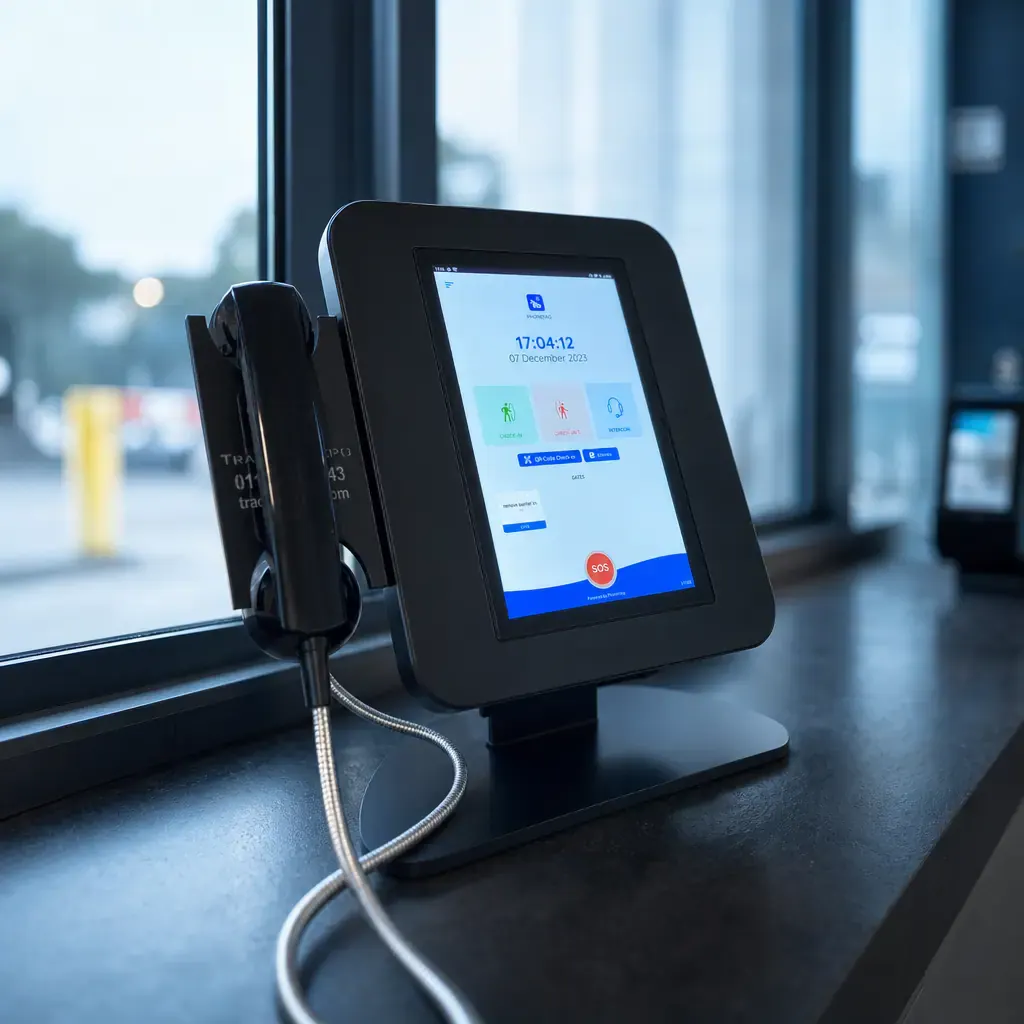
Built around your setup.
BEFORE THE TEAM ARRIVES
What to have ready
at your guardhouse.
Sharing what's already at your guardhouse helps us scope the equipment and any connections it needs.
- 01
A place to work.
Workspace available for the operator and terminal at the guardhouse.
- 02
Power at the desk.
Power at the guardhouse location.
- 03
A connection to rely on.
Connectivity to support the terminal and its software.
- 04
The current setup.
Details of any current guardhouse equipment already in place.
HARDWARE AND SOFTWARE, TOGETHER
The terminal is hardware.
Visitor management is software.
The terminal is where your operator works; the visitor management software is where visitor records, approvals and history live. The two are related but distinct — this page covers the guardhouse hardware.
The software records who's registered and approved.
The terminal is where the guardhouse operator works.
Other access equipment is browsed on our Hardware page.
The terminal.
Where the operator works.
The shared records.
- Visitor records
- Approvals
- Visit history
A LITTLE MORE CLARITY
Good questions.
Clear next steps.
Looking for other guardhouse or entry equipment?
What's included with a visitor management terminal?
Package contents vary by project and are confirmed in your quote. Depending on your site, a terminal may be supplied on its own or alongside optional or separately scoped peripherals — we'll set out exactly what's included before you commit.
Does every terminal include a scanner, printer or intercom?
No. Peripherals are not assumed by default. What's supported and included depends on the model proposed for your site and what your project requires.
How does the terminal relate to the visitor management software?
The terminal is the guardhouse hardware; the visitor management software is where records and settings live. See our Visitor management feature page for how the software itself works.
Can the terminal connect to our boom gate or barrier?
That depends on your existing equipment and the terminal proposed. Barrier connections are assessed and scoped separately, not assumed as standard.
Do you install and maintain the terminal?
Yes, as part of the agreed project scope. See Installation & maintenance for how that process works.

READY TO EQUIP YOUR GUARDHOUSE?
Tell us about your
current guardhouse setup.
Share what's already there and what you're hoping to add, and we'll confirm the terminal options relevant to your project.