RESIDENTS
Prepare the visit in advance.
Preregister an expected guest with the details your property requires, then share the confirmation with them ahead of arrival.
Invite. Share. Welcome.

MANAGE ACCESS
A resident preregisters a guest. Security verifies the arrival at the guardhouse. Bring both sides of the visit into one shared, followable workflow.
Preregistration. Guardhouse verification. A shared record.
A CLEARER VISITOR WORKFLOW
Give residents and security a shared reference point for every expected visit, from preregistration through to verification.
Your visit details, ready to share.
A resident enters their visitor's details ahead of the visit, from the app they already use.
The visitor, or the resident on their behalf, presents the preregistration details or QR code on arrival.
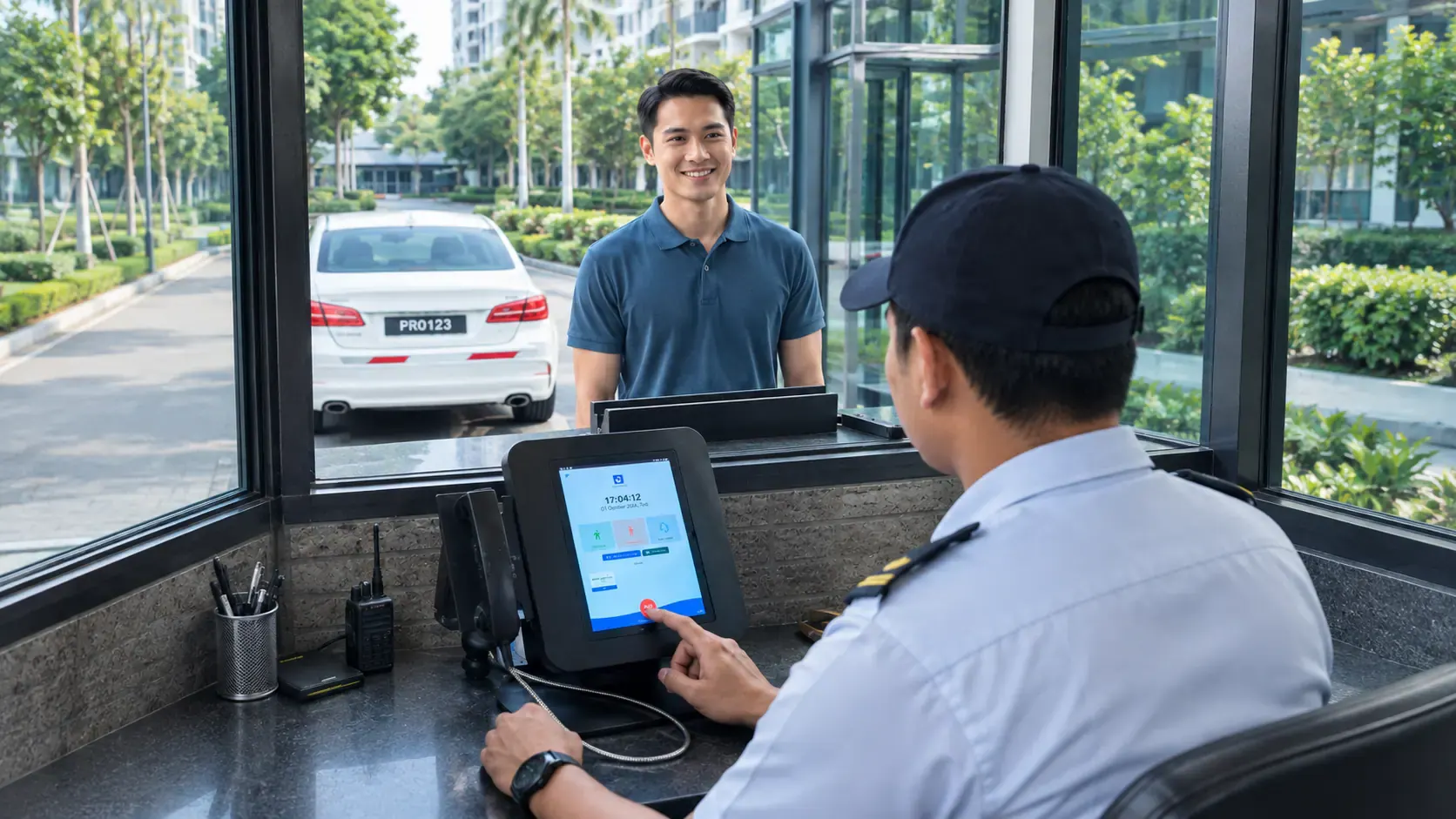
Security checks the presented details against the preregistration and retains a record of the supported visit.
TWO SIDES, ONE WORKFLOW
Residents and security personnel use the same visit information from two different points in the process.
Preregister an expected guest with the details your property requires, then share the confirmation with them ahead of arrival.
Guardhouse staff work from the preregistered visitor details to check who is arriving and retain a record of the visit for follow-up.
AT THE GUARDHOUSE
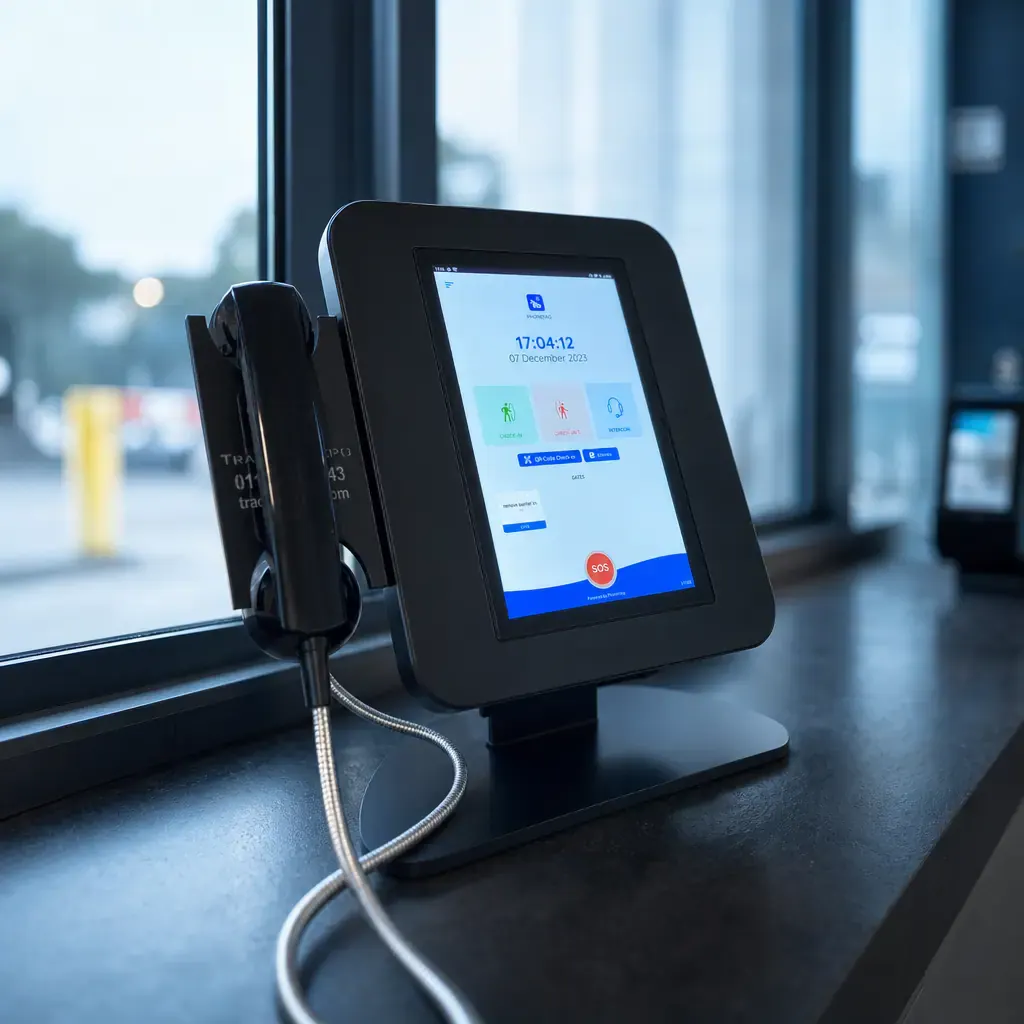
A working terminal and connection at the guardhouse are what make verification possible on the ground.
A dedicated terminal at each guardhouse or entry point in use.
A reliable connection so verification can be recorded as it happens.
Placement and setup considered around how your site is laid out.
 AT YOUR ENTRY POINT
ALREADY HAVE ACCESS EQUIPMENT?
If your site already has access control or verification equipment in place, our team can assess how it fits alongside PropKita.
Share the equipment you have in place and the workflow you want to support.
We review compatibility and the work involved before agreeing the scope.
Read more about how our team scopes this work on the integration services page.
A LITTLE MORE CLARITY
Already using PropKita and need a hand?
Residents preregister an expected guest through the PropKita app before the visit. The exact fields your property collects can be confirmed during your demo.
Supported verification depends on the terminal and equipment set up at your guardhouse. Our team can walk through the available options and how they fit your existing setup during a demo.
A terminal and a working connection at the guardhouse are the starting point. Explore the equipment options on our visitor management terminals page, or discuss your site's setup with our team.
Integration is assessed on request. Share details of your existing equipment and the workflow you want to support so our team can review compatibility and the work involved.
Supported visits are retained as a record your team can refer back to. The retention period and what is captured can be confirmed during your demo.

LET'S TALK ABOUT YOUR GUARDHOUSE
Tell us about your site and current setup.
We'll walk you through the relevant workflow and equipment.